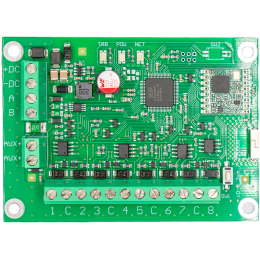
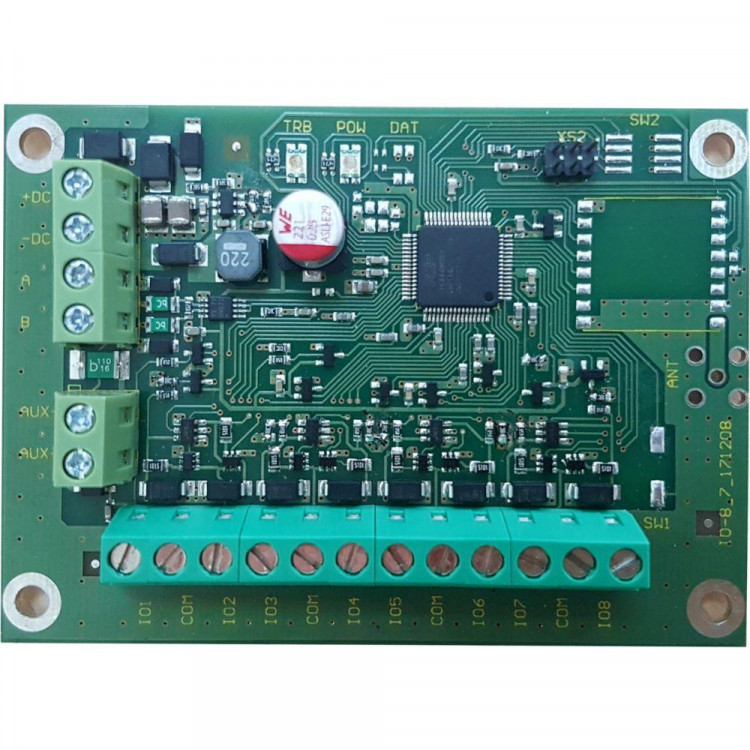
Trikdis iO8 wired expander module
- Manufacturer: Trikdis
- Item code: iO8
- Availability: In Stock
- Warranty: 2 years
- Categories: Smart Alarm System > Accessories > Expander Module

-
€46.90 Ex Tax: €38.13
With the Trikdis Expander IO8 wired expansion module, you can increase the number of inputs (zones) and outputs (PGMs) of the Trikdis FLEXi SP3, CG17, and SP231 alarm control panels and E16, E16T, G16, G16T, and G17F communicators. The devices are connected via an RS485 port and contains 8 contacts that you are free to use as input (zone) or output (PGM).
By using a PGM output as an expander, you can further enhance the capabilities of your smart home: remote control and switching of garage doors, garden gates, heating, electricity, ventilation, irrigation systems or any contact-controlled device.
Using a zone expander you can connect additional wired sensors for your Trikdis device.
Key Features:
- Plug-and-play install
- Configured via the Trikdis alarm control panelor communicator
- Contains eight contacts that can be programmed as inputs or outputs
- TrikdisConfig programming software (windows)
- IO8 expansion module Hungarian installation guide (663.74KB)
Related Products
Tags
Frequently asked questions
Yes. Both expanders have 8 I/O terminals that can each be set as an input or an output; as inputs, the ATZ, EOL, NC and NO types are available. With ATZ zone doubling one expander provides 16 alarm zones instead of 8. Several resistor values can be used in ATZ and EOL circuits, so the existing wiring and resistors can be kept.
Yes, both expanders support ATZ zone doubling.
The IO8-LORA (wireless, via the RF-LORA transceiver) and the IO8 (wired, over RS485) each have 8 I/O terminals, and every terminal can be set individually as an input (IN) or an output (OUT).
As inputs, the following types are available: ATZ, EOL, NC, NO. With ATZ zone doubling one expander provides 16 alarm zones instead of 8.
Several resistor values can be used in ATZ and EOL circuits, so the wiring and the resistors of an existing system (Paradox, DSC, BOSCH, Crow) can be kept — when replacing a panel the detectors do not have to be rewired.
The input type and the resistor values are set in the alarm panel, using the TrikdisConfig programming software. The number of zones is of course limited by the total zone capacity of the panel.