

One application for all Trikdis devices


Protegus 2
Protegus 2 is the user app for Trikdis smart alarm devices – available on both iOS and Android. Real-time notifications, remote control, arming and disarming from anywhere, at any time.
In this category you will find articles, configuration guides and news about the Protegus 2 app.
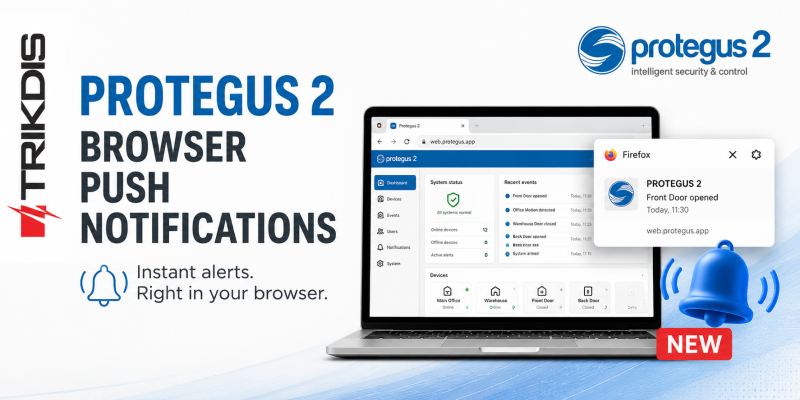
Browser push notifications in the Protegus 2 app
- 17.06.2026
Protegus 2 push notifications now work in the browser too - attention-grabbing alerts for basic monitoring.
Read More
Expanded system information page in Protegus 2
- 17.06.2026
The Protegus 2 system information page now shows more technical data for FLEXi SP3 and FireCOM systems - all in one place.
Read More
Try Protegus 2 on a Live System
- 20.02.2024
Try the Protegus 2 app on a real live system with test credentials.
Read More
Protegus 2 Browser Interface Renewed
- 30.11.2023
The renewed Protegus 2 browser interface and the new layout explained.
Read More
The GV17 Gate Automation Device Works with Protegus 2
- 01.06.2022
Protegus 2 is the new universal app for Trikdis devices, now supporting the GV17 gate opener as well.
Read More
User applications for Trikdis devices
- 12.04.2022
The great advantage of the products and services provided by Trikdis is the simplicity. one programming software, simple USB programming cable for all devices,and one user app. So why are there 3 applications now?
Read More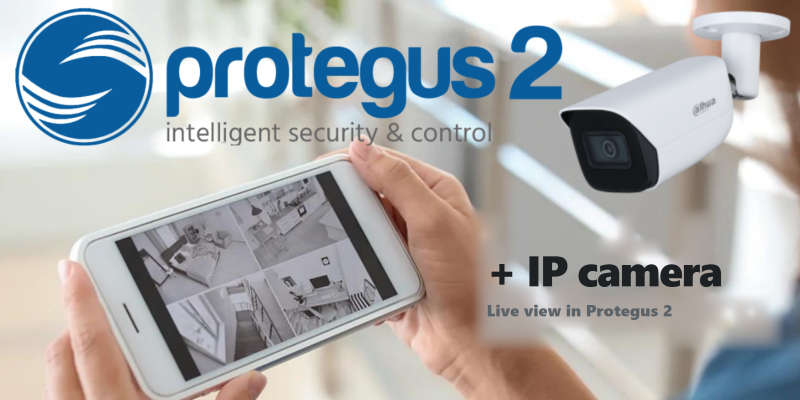
How to Add an IP Camera to Protegus 2
- 01.03.2022
How to add an IP camera live stream to the Protegus 2 app via RTSP link.
Read MoreFrequently asked questions
Hopefully not. Basically, the phone should be protected from any access by using a password or pattern or fingerprint. In addition, you can use password request when you start the Protegus application and also when you want remotely control something.
Yes: Protegus 2 can be tried on a live demo system, without installation or purchase — from a browser and from the mobile app too. This lets you see in advance what arming, notifications, and system status look like on a working alarm system.
Protegus 2 typically retains the event list for up to two months; with a large volume of events, this period may shorten to as little as one month.
This is how the iPhone works: while an app is open, it does not receive notifications, neither sound nor vibration.
For Protegus 2 to alert you with sound and vibration, the app has to be closed. It can stay among the recently used apps, that is not a problem. But if it is fully open and you are looking at it, no notification arrives, and you only see the event in the app.
This applies to every device: the iPhone or iPad on which Protegus 2 is currently open will not alert, the others will.
Log out of your Protegus 2 account, then log back in. The app then sets the notification values again, and in most cases this solves the problem.
In addition:
- Always keep the app updated to the latest version.
- In the app's Notifications menu, switch on the “Play notifications in DND mode” slider. This way the notification plays a sound even when the phone is in Do Not Disturb (DND) mode.
On an iPhone, an open app does not receive notifications, see: Why does Protegus 2 not play a sound or vibrate on an iPhone while the app is open?