

Knowledge Base

Trikdis knowledge base – detailed articles and guides on product configuration, installation and usage. Written for installers and professionals, providing answers to practical questions.
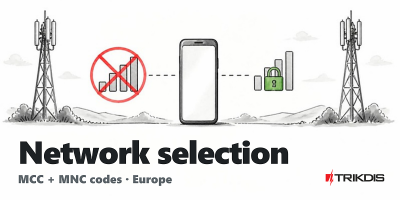
Setting a preferred operator - MCC and MNC codes (Europe)
- 30/06/2026
MCC and MNC codes for European mobile networks to set a preferred operator.
Read More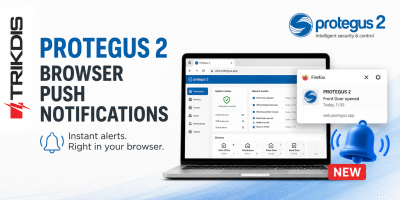
Browser push notifications in the Protegus 2 app
- 17/06/2026
Protegus 2 push notifications now work in the browser too - attention-grabbing alerts for basic monitoring.
Read More
Expanded system information page in Protegus 2
- 17/06/2026
The Protegus 2 system information page now shows more technical data for FLEXi SP3 and FireCOM systems - all in one place.
Read More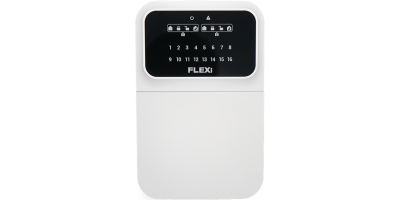
Trikdis FLEXi Keypad SK-LED button – Brief User Guide
- 10/07/2025
Quick user guide for the Trikdis FLEXi SK-LED button keypad: arming, disarming, code management, zone bypass and emergency functions.
Read More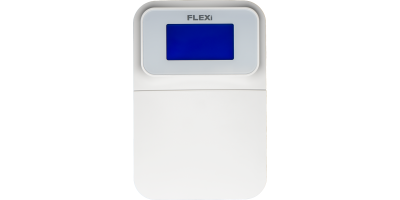
Trikdis FLEXi Keypad SK-LCD button – Brief User Guide
- 01/07/2025
Quick user guide for the Trikdis FLEXi SK-LCD button keypad: arming, disarming, code management, zone bypass, emergency functions and symbols.
Read More
Comparison Table of TRIKDIS Communicators for Alarm Systems
- 01/04/2025
Overview of TRIKDIS alarm communicators by connection type and communication method. Find the right model for your alarm system.
Read More
DSC Power Series NEO and Trikdis Communicators: Compatibility and Solutions
- 01/03/2025
Are DSC Power Series NEO systems compatible with Trikdis special communicators? Solutions and alternatives.
Read More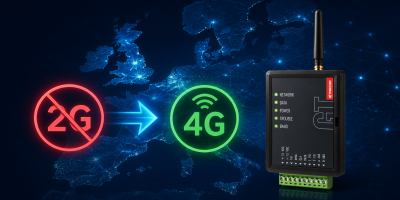
2G Network Shutdown in Europe – What You Need to Know
- 30/11/2024
10 reasons why Trikdis stands out: compatibility, data bus connection, fast installation, free Protegus app.
Read More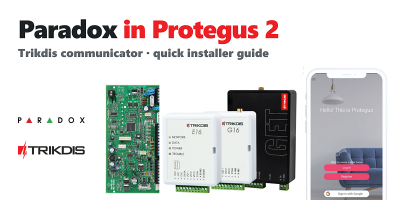
TRIKDIS Communicator + PARADOX Alarm Control Panel – Brief Installation Guide
- 26/02/2024
Brief installation guide for connecting a PARADOX alarm control panel with a TRIKDIS communicator and setting up the Protegus 2 application.
Read More
TRIKDIS Communicator + DSC Alarm Control Panel – Brief Installation Guide
- 19/01/2024
Brief installation guide for connecting a DSC alarm control panel with a TRIKDIS communicator and setting up the Protegus 2 application.
Read More
Protegus 2 Browser Interface Renewed
- 30/11/2023
The renewed Protegus 2 browser interface and the new layout explained.
Read More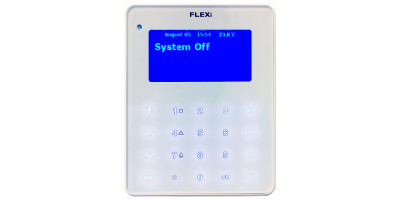
Firmware Update Process for the FLEXi LCD Keypad
- 06/03/2023
Step-by-step guide to updating the firmware of the Trikdis FLEXi LCD keypad.
Read More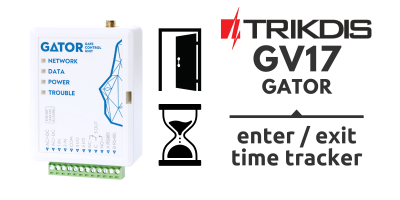
GV17 – Entry Control and/or Employee Time Tracking System
- 10/02/2023
The GV17 gate controller and Protegus 2 app form an entry control and employee time tracking system.
Read More
Serial Port Unlocking on Paradox Alarm Control Panels
- 25/01/2023
Guide to unlocking the serial port on PARADOX "+" series control panels for use with Trikdis communicators.
Read More
FLEXi SP3 + Paradox RTX3 Wireless Expansion Module
- 21/04/2022
FLEXi SP3 is compatible with the Paradox RTX3 wireless expansion module – easy hybrid system setup.
Read More
User applications for Trikdis devices
- 12/04/2022
The great advantage of the products and services provided by Trikdis is the simplicity. one programming software, simple USB programming cable for all devices,and one user app. So why are there 3 applications now?
Read More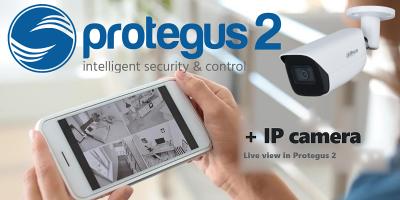
How to Add an IP Camera to Protegus 2
- 01/03/2022
How to add an IP camera live stream to the Protegus 2 app via RTSP link.
Read More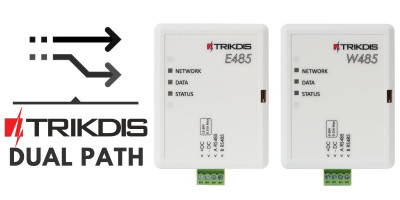
Dual Path – Redundant Channel Solutions from Trikdis
- 01/12/2019
Trikdis W485/E485 modules: redundant communication channel alongside GSM communicators, with lower data costs.
Read More
New to Trikdis? A Quick Introduction to the Products
- 28/08/2019
Quick overview of the Trikdis product family: communicators, alarm control panels, gate controllers and Protegus 2.
Read More
Installer Registration and Company Logo Setup in the Protegus App
- 06/03/2019
Step-by-step guide to Protegus installer registration and company logo setup – completed in 5–10 minutes.
Read More
Alarm Control Panel Direct Control via Data Bus or Serial Port
- 19/10/2018
Trikdis direct control via data bus or serial port: advantages, compatibility and available functions.
Read More
Introducing the Trikdis manufacturer
- 27/07/2018
TRIKDIS has been developing reliable alarm communicators since 1996. Their products are used in over 50 countries alongside the Protegus smart app.
Read More
Protegus Android / Iphone and web app
- 27/01/2018
The free Protegus mobile and web app lets you remotely manage your alarm system – compatible with any manufacturer.
Read More