

Try Protegus 2 on a Live System
Try the Protegus 2 app on a real live system with test credentials.
- 1 min read
- 20.02.2024
- Manufacturer: Trikdis

Download the app to your phone or open the web app in your browser.


Log in with the following username and password!
| username | test@trikdis.hu |
| password | Test_SP3 |
| Operator code |
1234 |
Useful Information
- The test system runs on a FLEXi Sp3 alarm system control panel, but all TRIKDIS devices use this application
- All user functions are available for testing, but settings and system functions are hidden
- This is an open test system, so others may use it at the same time with you
- You can ARM / DISARM with the operator code found in the table
- If the operator code is entered incorrectly, it needs to be cleared
On the main screen you will find the following functions
- Event List - all events in the system are visible in the event list
- Areas - the system consists of one partition, named "HOME", which can be ARMED / DISARMED with the provided operator code
- A test button ("START ALARM") can be used to trigger an alarm if the system is ARMED
- Device remote control can be tested, such as opening a garage door
- A lamp can also be controlled - the icon indicates the current state
- Live RTSP camera image (works only on mobile)
- Thermometer, showing the current temperature
- Thermostat, which starts heating based on the thermometer reading
Related Articles
Protegus 2 Business Account Pricing
- 01.02.2025
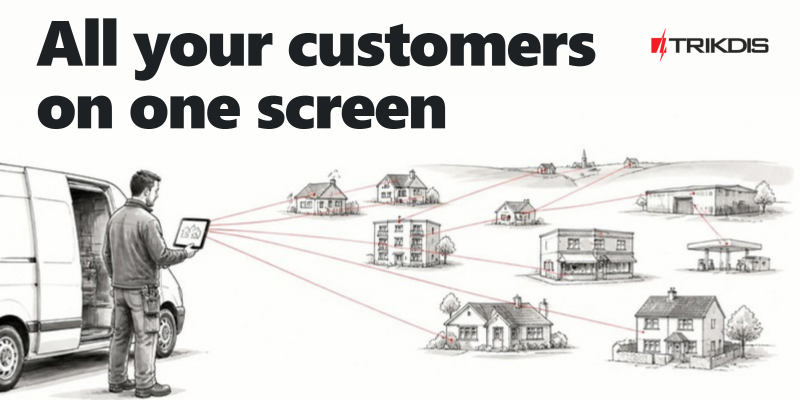
Protegus 2 Business Account subscription pricing for installers – monthly and annual fees by number of systems.
Read More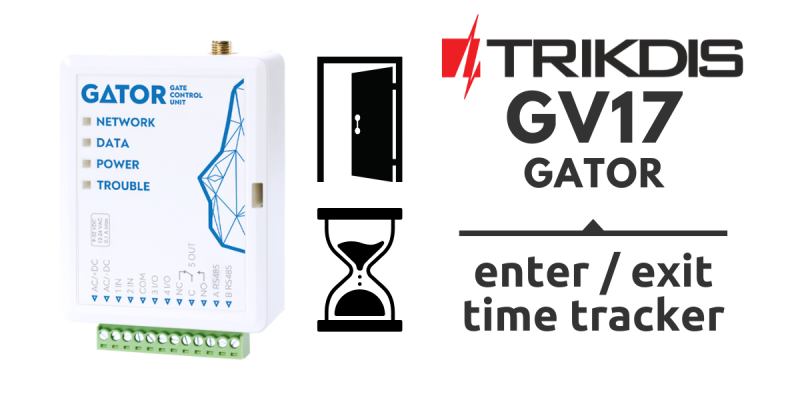
GV17 – Entry Control and/or Employee Time Tracking System
- 10.02.2023
The GV17 gate controller and Protegus 2 app form an entry control and employee time tracking system.
Read More
Protegus 2 Browser Interface Renewed
- 30.11.2023
The renewed Protegus 2 browser interface and the new layout explained.
Read MoreRelated Products
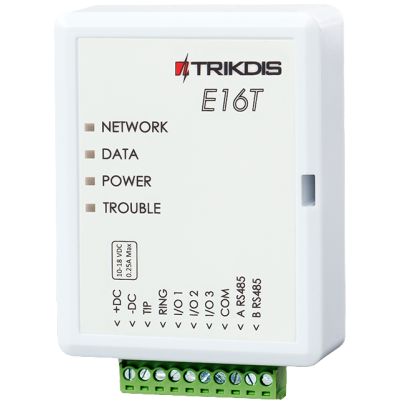
Trikdis E16T Ethernet universal communicator - IP module
Ethernet communicator with TIP-RING connection: works with any landline-type alarm panel, with monit..
€86.90 Ex Tax: €70.65
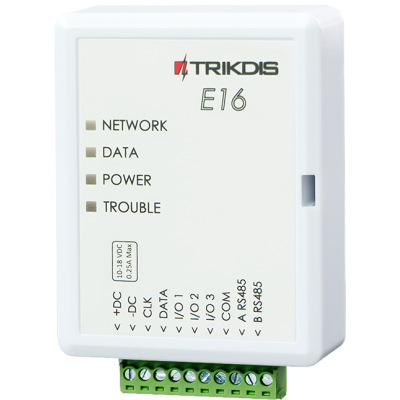
Trikdis E16 Ethernet Communicator - IP module
Ethernet smart communicator: forwards alarm events over the internet to the monitoring station, with..
€82.90 Ex Tax: €67.40

Trikdis SP231 GSM / IP smart control panel
GSM/IP smart alarm panel with built-in communicator: full remote control from the Protegus 2 app, in..
Discontinued
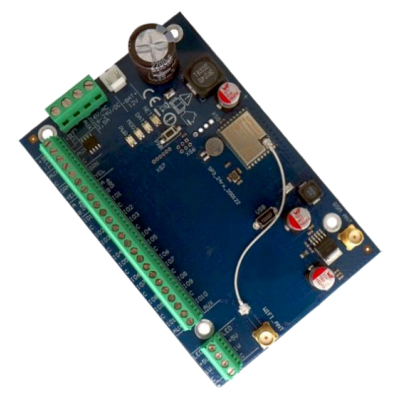
Trikdis FLEXi SP3 WiFi smart alarm system control panel
Versatile smart alarm panel with built-in WiFi communicator: the base of wired, hybrid or wireless s..
€139.90 Ex Tax: €113.74
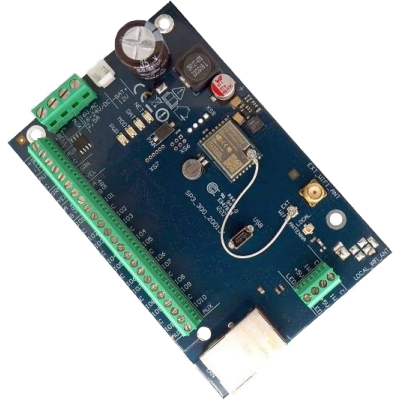
Trikdis FLEXi SP3 Ethernet smart alarm system control panel
Smart alarm panel with built-in Ethernet communicator: wired internet communication, remote access, ..
€139.90 Ex Tax: €113.74
Frequently asked questions
Hopefully not. Basically, the phone should be protected from any access by using a password or pattern or fingerprint. In addition, you can use password request when you start the Protegus application and also when you want remotely control something.
Yes: Protegus 2 can be tried on a live demo system, without installation or purchase — from a browser and from the mobile app too. This lets you see in advance what arming, notifications, and system status look like on a working alarm system.
Protegus 2 typically retains the event list for up to two months; with a large volume of events, this period may shorten to as little as one month.
This is how the iPhone works: while an app is open, it does not receive notifications, neither sound nor vibration.
For Protegus 2 to alert you with sound and vibration, the app has to be closed. It can stay among the recently used apps, that is not a problem. But if it is fully open and you are looking at it, no notification arrives, and you only see the event in the app.
This applies to every device: the iPhone or iPad on which Protegus 2 is currently open will not alert, the others will.
Log out of your Protegus 2 account, then log back in. The app then sets the notification values again, and in most cases this solves the problem.
In addition:
- Always keep the app updated to the latest version.
- In the app's Notifications menu, switch on the “Play notifications in DND mode” slider. This way the notification plays a sound even when the phone is in Do Not Disturb (DND) mode.
On an iPhone, an open app does not receive notifications, see: Why does Protegus 2 not play a sound or vibrate on an iPhone while the app is open?