
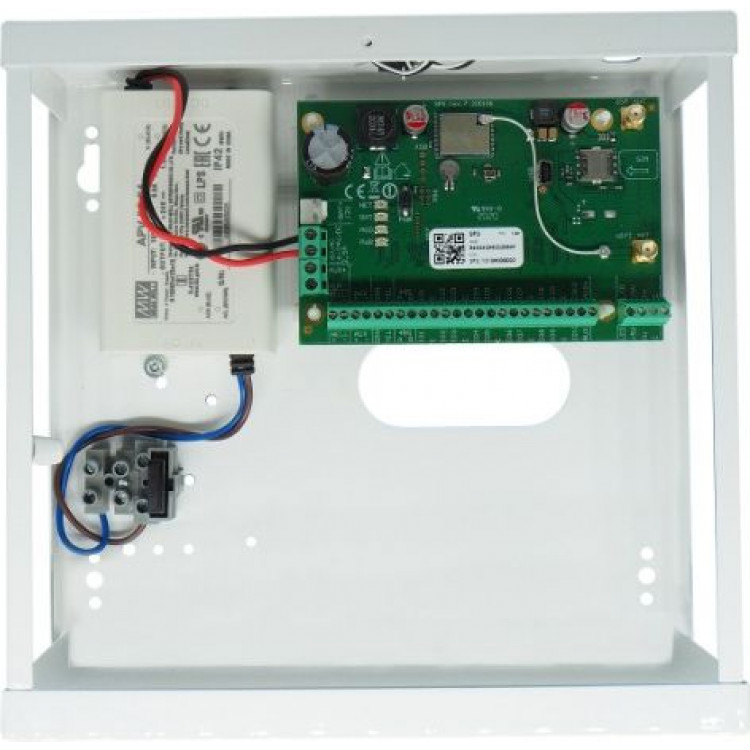
Small size metal box with PSU for FLEXi SP3 control panel
- Manufacturer: Trikdis
- Item code: K02
- Availability: In Stock
- Warranty: 2 years
- Categories: Smart Alarm System > GSM / WiFi / Ethernet Alarm System

-
€61.90 Ex Tax: €50.33
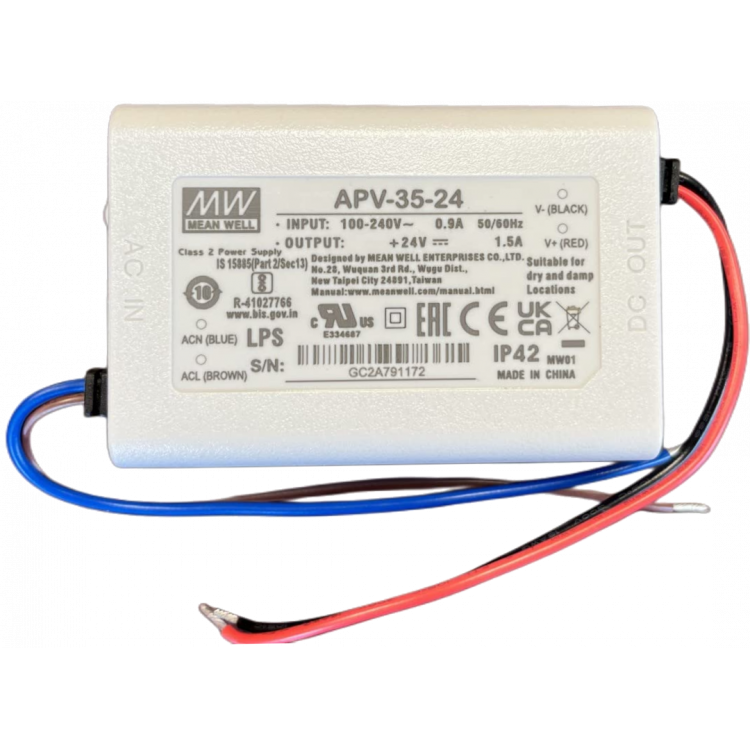
Streamline your FLEXi SP3 installation with our compact K02 metal box. Designed to save space, this box accommodates the essentials for a hassle-free setup. Includes a MEANWELL apv-35-24 switch-mode power supply, tamper switch, 230V mains connection point, and a spacer for convenient mounting.
Faster and easier FLEXi SP3 installation with prepared metal box and power supply
The FLEXi SP3 KITs are designed for faster and easier installation. The sets include a metal box with tamper protection. The power supply is provided by a MEANWELL APV-35-24 PSU, for which a 230V mains connection point and a 3.15A fuse are available.All KITs are pre-wired and assembled to save you time.
The FLEXi SP3 KIT is available in 2 box sizes
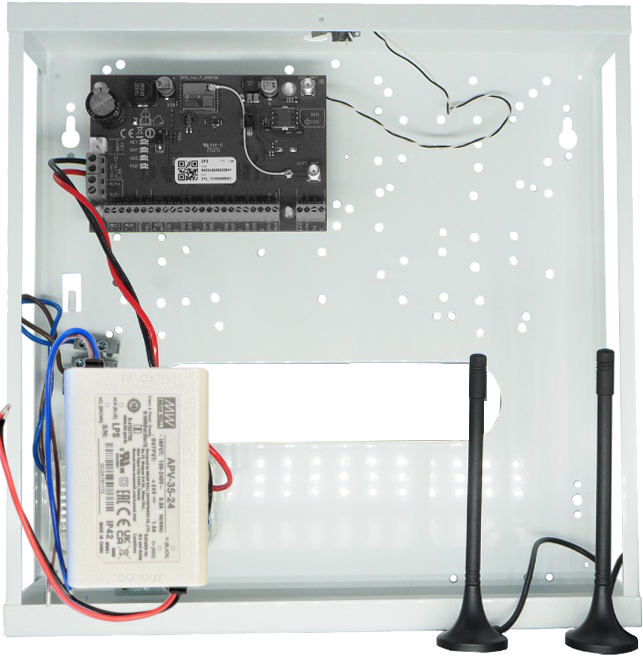
- K01 standard size metal box (285 x 280 x 80 mm)
- MEANWELL apv-35-24 switching power supply
- tamper switch
- 230V connection point with fuse
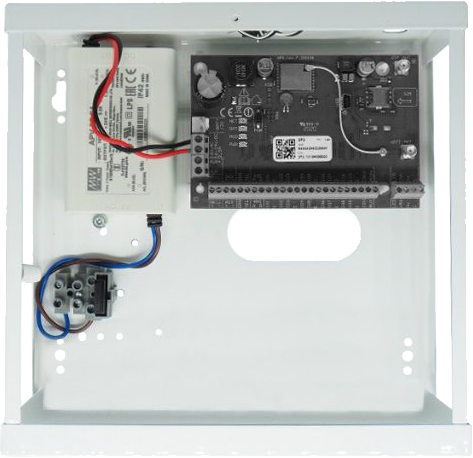
- K02 small size metal box (200 x 210 x 80 mm) (the Ethernet + 4G alarm system control panel does not fit in this box)
- MEANWELL apv-35-24 switching power supply
- tamper switch
- 230V connection point with fuse
Related Products
Tags
Frequently asked questions
A Security panel or Control panel is the primary controller and supervisor of a security system.
Hopefully not. Basically, the phone should be protected from any access by using a password or pattern or fingerprint. In addition, you can use password request when you start the Protegus application and also when you want remotely control something.
Protegus 2 is the 2nd generation of Trikdis's cloud app: control your alarm system from your phone and get instant notifications. We recommend it for every current internet-connected Trikdis device. The user app is free; the paid, usage- (customer-) based tier is for monitoring stations, installers and companies.
Yes, using the TrikdisConfig programming software (via USB or remotely). The latest firmware is recommended for the best compatibility and security.
Yes: Protegus 2 can be tried on a live demo system, without installation or purchase — from a browser and from the mobile app too. This lets you see in advance what arming, notifications, and system status look like on a working alarm system.
There is no standalone Trikdis communicator that communicates exclusively over Wi-Fi, but the SIM-card communicators can be extended with the W485 Wi-Fi expansion module. There is also a purely Wi-Fi version, as well as a Wi-Fi + SIM 4G version, of the FLEXi SP3 alarm panel.
Protegus 2 typically retains the event list for up to two months; with a large volume of events, this period may shorten to as little as one month.
The AUX power output of the Paradox SP4000 alarm panel has limited load capacity. In certain cases — whether using a dedicated or a universal TRIKDIS communicator — the communicator's current draw can place too much load on the AUX output. As a result, the communicator may become unstable, restart, or fail to operate correctly.
Experience shows that the problem is usually solved by powering the TRIKDIS communicator directly from the alarm panel's battery terminals (+/-) instead of from the AUX output. This provides a stable power supply and eliminates the restart or operational issues.
Note: Before changing the wiring, always check that the system complies with the manufacturer's specifications and that the total load on the power supply does not exceed the permitted value.