Firmware Update Process for the FLEXi LCD Keypad
Step-by-step guide to updating the firmware of the Trikdis FLEXi LCD keypad.
- 1 min read
- 06.03.2023
- Manufacturer: Trikdis

FLEXi LCD is the most popular keypad for the FLEXi SP3 alarm system control panel thanks to its modern, clean appearance and simple, easy to understand operation. In some cases a firmware update may be necessary. For example, the keypad can store only 4 languages at the same time and your desired language is not among those or simply because some bug fixes. The following guide was prepared to help with the update.
FLEXi LCD upgrade guide
Preparations
- The operator must be connected to the alarm control panel and the system must be switched on (the update is done at the keypad, so also after installation can be done)
- Download the latest firmware file to the computer and rename it to the following before starting the operation: sk_lcd.fw
- For the update, use the same USB-mini cable is required, as for programming
Update process
- Connect the computer to the FLEXi LCD keypad with the help of the USB cable
- Enter the Menu with the MENU button
- Select the settings menu item by pressing button 5
- Press button 9 for update
- Then the firmware folder of the FLEXi LCD controller will appear on the computer under a new drive
- Copy the pre-downloaded firmware into the folder (overwriting the old file), then wait for the keypad to restart
Related Articles

Trikdis FLEXi SP3 – Smart Alarm Control Panel Introduction
- 10.08.2020
The Trikdis FLEXi SP3: smart alarm control panel with integrated communicator – versatile, fast and cost-effective.
Read More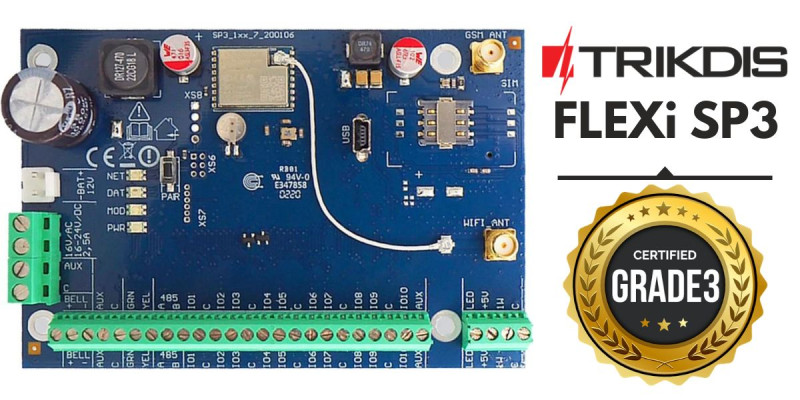
Trikdis FLEXi SP3 Achieves GRADE 3 Certification
- 28.02.2021
The Trikdis FLEXi SP3 holds GRADE 3 certification – suitable for professional security applications.
Read More
SK-LED Button keypad – brief user guide
- 02.11.2026
Brief user guide for the Trikdis SK-LED Button push-button keypad, for the FLEXi SP3 alarm control panel: the keypad indications, arming and disarming, Night and Stay mode, user codes, zone bypass, emergency alarms, light and volume levels.
Read More
SK-LCD Button keypad – brief user guide
- 02.11.2026
Brief user guide for the Trikdis SK-LCD Button push-button keypad with display, for the FLEXi SP3 alarm control panel: the display and the keys, arming and disarming, Sleep and Stay mode, user codes, zone bypass, emergency alarms, light and sound levels, the symbols on the display.
Read MoreRelated Products

Trikdis FLEXi LCD keypad
Touch-controlled keypad with blue LCD for FLEXi SP3 panels, managing up to 8 partitions.
€87.90 Ex Tax: €71.46
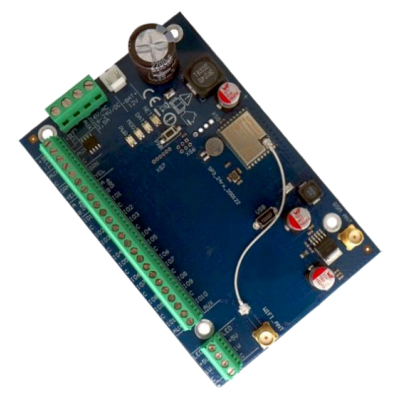
Trikdis FLEXi SP3 WiFi smart alarm system control panel
Versatile smart alarm panel with built-in WiFi communicator: the base of wired, hybrid or wireless s..
€78.92 €139.90 Ex Tax: €64.16
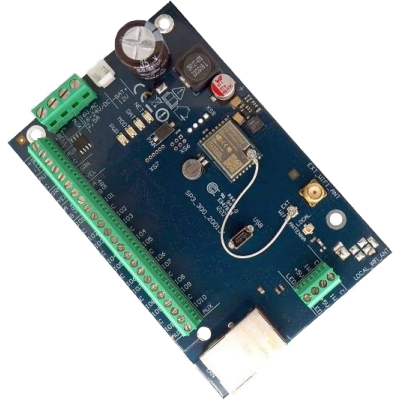
Trikdis FLEXi SP3 Ethernet smart alarm system control panel
Smart alarm panel with built-in Ethernet communicator: wired internet communication, remote access, ..
€78.92 €139.90 Ex Tax: €64.16
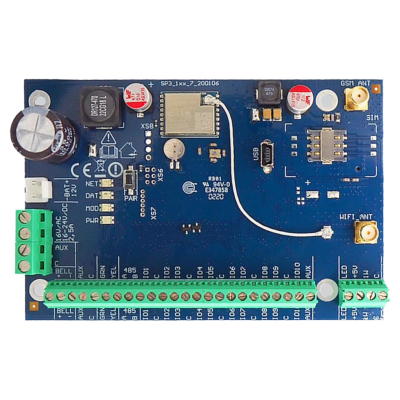
Trikdis FLEXi SP3 WiFi + 4G smart alarm system control panel
Smart alarm panel with WiFi + 4G communicator: dual communication path for maximum reliability.
€199.90 Ex Tax: €162.52

Trikdis FLEXi SP3 Ethernet + 4G smart alarm system control panel
Smart alarm panel with Ethernet + 4G communicator: wired internet and mobile backup in one.
€199.90 Ex Tax: €162.52