The GV17 Gate Automation Device Works with Protegus 2
Protegus 2 is the new universal app for Trikdis devices, now supporting the GV17 gate opener as well.
- 1 min read
- 01.06.2022
- Manufacturer: Trikdis
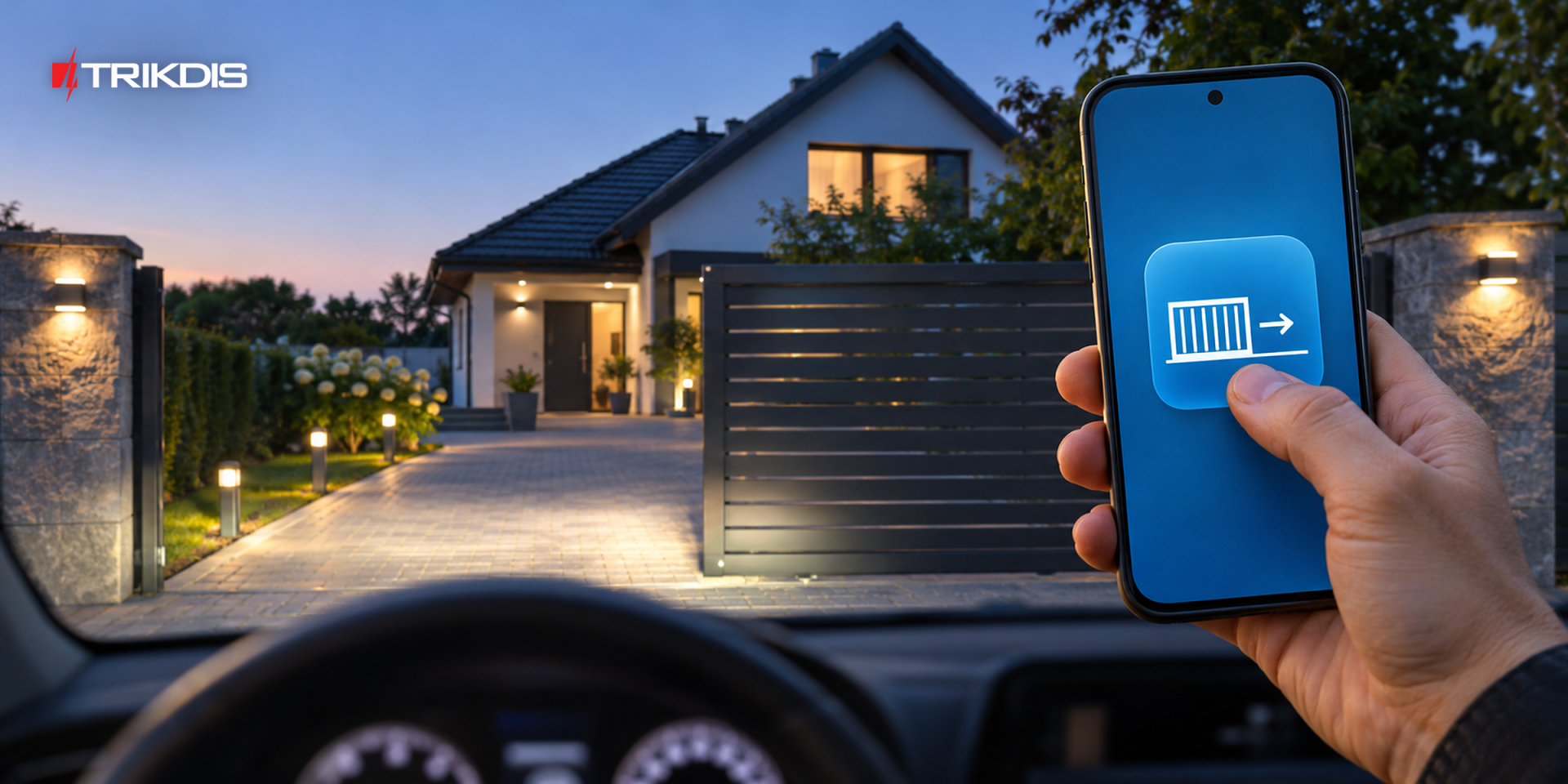
One of the key advantages of Trikdis is reliable operation and easy, quick installation. Accordingly, Trikdis installers need to know only one user app (Protegus 2), one programming software (TrikdisConfig), and one cable (mini USB) for all devices.
A generation change is currently taking place in the user application. The next step is that the GV17 2G and 4G modem versions can now be used with the new Protegus 2 application. Support for other devices will follow soon, and the universal Protegus 2 will gradually replace the old one.
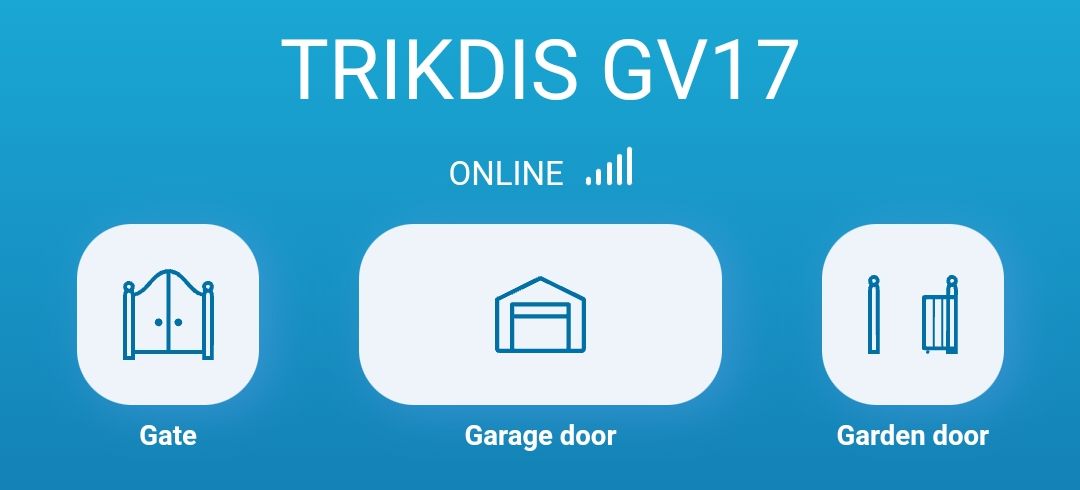
For an existing system, the following steps are required to switch:
- Upgrade your GV17 gate controller to FW 2.08 or higher.
- Download and register in Protegus 2.
- Delete your system in the old Protegus (1) application.
- Create your system in the new Protegus 2 application.
When adding a new system it is possible to read the barcode or QR code on the back of the device or on the box by using the camera of your phone (or other device) .
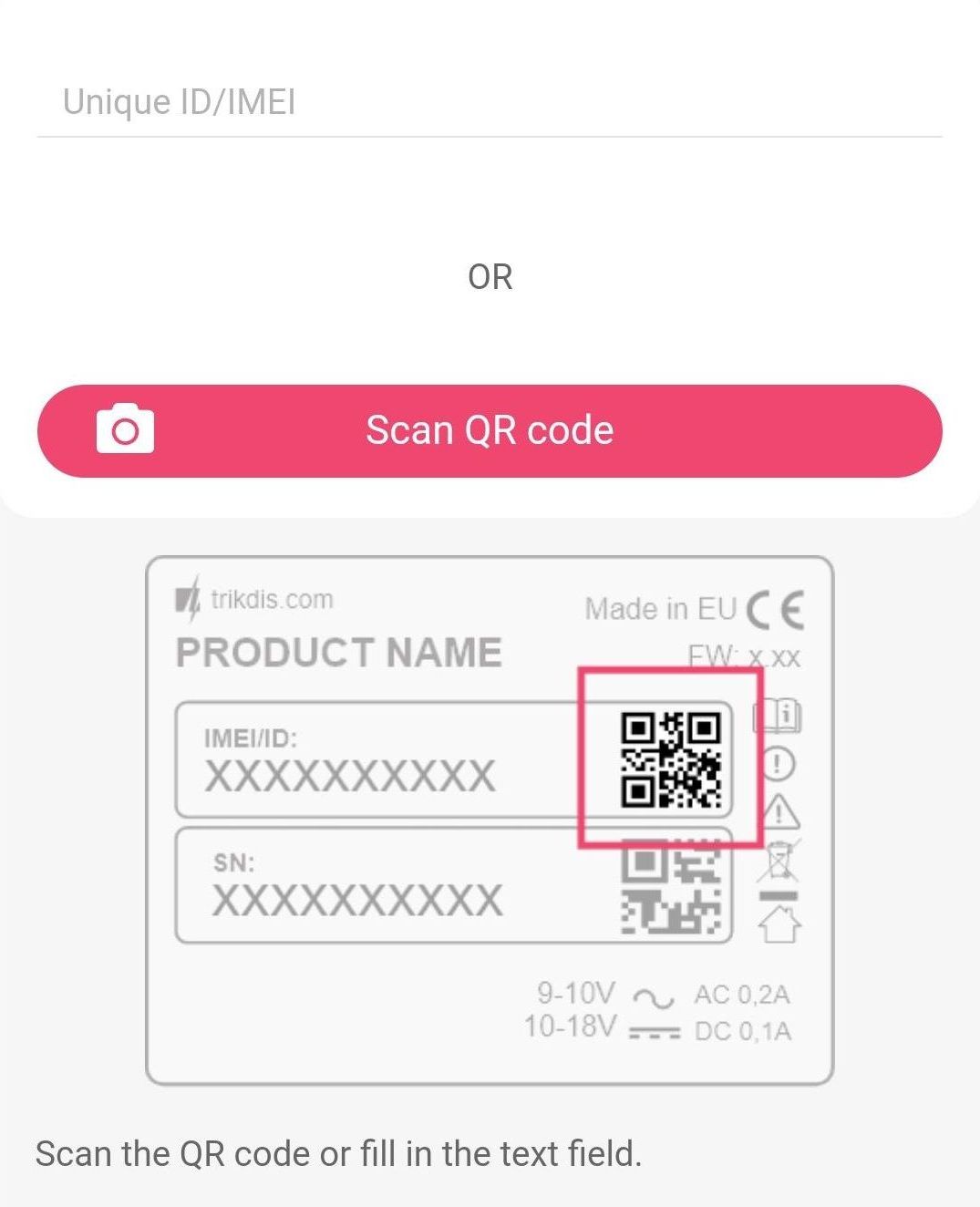
A useful feature is that you can add quick access to live streams of your IP cameras to the system as well.

Here you can read the overview of the TRIKDIS user apps and which devices they can be used with.
Related Articles
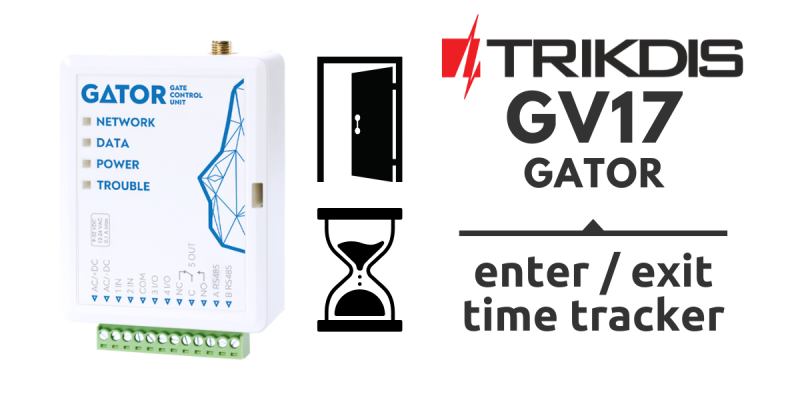
GV17 – Entry Control and/or Employee Time Tracking System
- 10.02.2023
The GV17 gate controller and Protegus 2 app form an entry control and employee time tracking system.
Read More
Dual Path Communication Now Available for the GV17 GATOR Gate Controller
- 05.11.2025
The Trikdis GV17 GATOR SIM-based gate controller now supports dual path communication: WiFi/Ethernet as the primary channel with automatic GSM failover.
Read MoreRelated Products
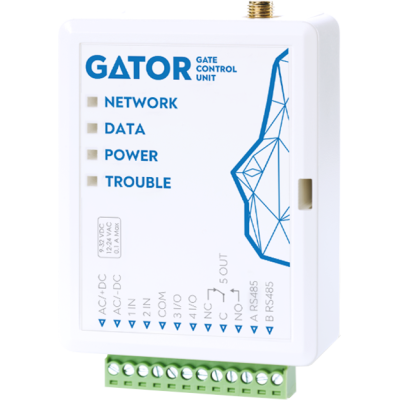
Trikdis GV17 - GATOR smart 4G GSM / IP gate controller
GATOR 4G smart gate controller: open gates, garage doors or barriers from the app, with caller-list ..
€164.90 Ex Tax: €134.07
Frequently asked questions
Hopefully not. Basically, the phone should be protected from any access by using a password or pattern or fingerprint. In addition, you can use password request when you start the Protegus application and also when you want remotely control something.
Yes: Protegus 2 can be tried on a live demo system, without installation or purchase — from a browser and from the mobile app too. This lets you see in advance what arming, notifications, and system status look like on a working alarm system.
Protegus 2 typically retains the event list for up to two months; with a large volume of events, this period may shorten to as little as one month.
This is how the iPhone works: while an app is open, it does not receive notifications, neither sound nor vibration.
For Protegus 2 to alert you with sound and vibration, the app has to be closed. It can stay among the recently used apps, that is not a problem. But if it is fully open and you are looking at it, no notification arrives, and you only see the event in the app.
This applies to every device: the iPhone or iPad on which Protegus 2 is currently open will not alert, the others will.
Log out of your Protegus 2 account, then log back in. The app then sets the notification values again, and in most cases this solves the problem.
In addition:
- Always keep the app updated to the latest version.
- In the app's Notifications menu, switch on the “Play notifications in DND mode” slider. This way the notification plays a sound even when the phone is in Do Not Disturb (DND) mode.
On an iPhone, an open app does not receive notifications, see: Why does Protegus 2 not play a sound or vibrate on an iPhone while the app is open?