

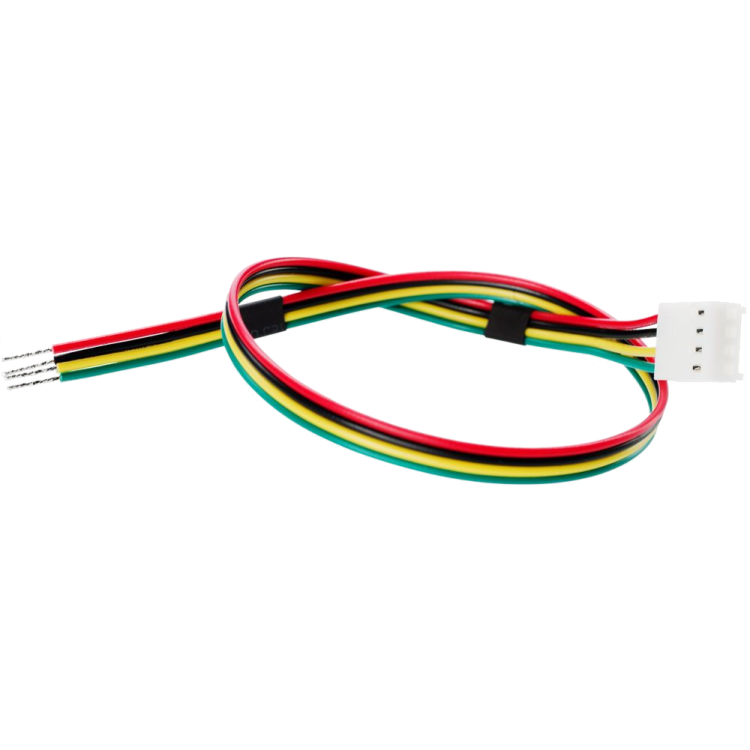

Trikdis CRP2 serial port connecting cable for Paradox alarm panels
- Manufacturer: Trikdis
- Item code: CRP2
- Availability: In Stock
- Warranty: 2 years
- Categories: Accessories > Ethernet Communicator > GSM Alarm Communicator > Wires, Cables

-
€6.49 Ex Tax: €5.28
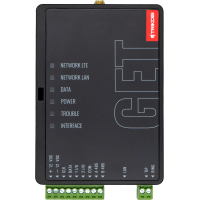
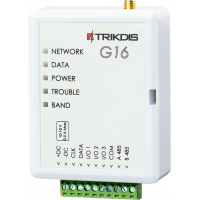
Factory cable for connecting Paradox alarm system SERIAL (serial port) and E16, G16, GT, GT+, GET, and T16 radio communicators.
- Cable length ~ 30cm
| Trikdis Communicator (Transmitter) | CRP2 Color Marking | CRP2B Color Marking | Paradox Serial Port Diagram Marking |
| +DC | Red | Yellow | AUX+ |
| -DC | Black | White | GND |
| Clk | Yellow | Red | Tx |
| Data | Green | Black | Rx |


Wiring of Paradox alarm panel serial port with CRP2 cable


Related Products

Tags
Frequently asked questions
Traditionally via telephone line (TIP/RING) — a universal solution that lets devices communicate regardless of brand. Trikdis's own development means that panels on the supported list (and only those) can also be connected directly and digitally via serial port or data cable — as far as we know, no one else offers this, backed by 10-15 years of development.
Not for Paradox devices: Paradox's own tools, e.g. Babyware, IP150, IP180, work with a locked serial port as well. Unlocking the serial port is only needed when connecting a third-party device — such as a Trikdis communicator.
Related Articles
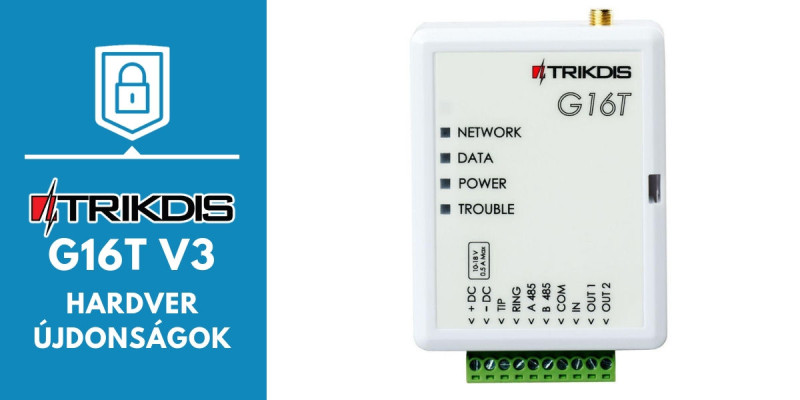
What's New in the G16T v3 Communicator
- 30/08/2018
Key changes in G16T v3: Nano SIM, TLC connection and flexible I/O.
Read More
Alarm Control Panel Direct Control via Data Bus or Serial Port
- 19/10/2018
Trikdis direct control via data bus or serial port: advantages, compatibility and available functions.
Read More
Serial Port Unlocking on Paradox Alarm Control Panels
- 25/01/2023
Guide to unlocking the serial port on PARADOX "+" series control panels for use with Trikdis communicators.
Read More
TRIKDIS Communicator + PARADOX Alarm Control Panel – Brief Installation Guide
- 26/02/2024
Brief installation guide for connecting a PARADOX alarm control panel with a TRIKDIS communicator and setting up the Protegus 2 application.
Read More
G16 communicator – installer and user manual
- 06/11/2026
Installer and user manual for the Trikdis G16 communicator: connection to the alarm control panel's data bus or serial port, programming the control panel, SIM and setup in TrikdisConfig, reporting to the monitoring station, the Protegus 2 app.
Read More
E16 communicator – installer and user manual
- 06/11/2026
Installer and user manual for the Trikdis E16 Ethernet communicator: connection to the alarm control panel's data bus or serial port, programming the panel, network setup in TrikdisConfig, reporting to the monitoring station, Protegus 2 app.
Read More
GET communicator – installer and user manual
- 05/11/2026
Installer and user manual for the Trikdis GET Ethernet + 4G communicator: connection to the alarm control panel, LAN and SIM setup in TrikdisConfig, reporting to the monitoring station, the Protegus 2 app.
Read More