


Trikdis E485 Ethernet module (RS485)
- Manufacturer: Trikdis
- Item code: E485
- Availability: In Stock
- Warranty: 2 years
- Categories: Alarm Communicator > Dual-path Redundant Communicator > Expander Module

-
€53.90 Ex Tax: €43.82
The Trikdis E485 Ethernet module enhances Trikdis smart communicators by adding a wired internet communication channel. For certain devices, it can even serve as the primary communication path, ensuring that remote control of the alarm system and event notifications are delivered through a stable wired internet connection.
For the GSM / IP-based GV17 gate controller and the G16 / G16T communicators, this means that all control and event handling is performed through the E485 as long as the wired internet connection is available, reducing reliance on SIM card data traffic.
It also supports the Trikdis SP231 alarm control panel and the T16 wireless communicator, taking over message transmission for these devices.
Like all Trikdis smart devices, the E485 communicates simultaneously with both the monitoring station and the user via the Protegus 2 mobile and web application, providing real-time notifications about alarm system events.
Main features:
- Communication over wired internet
- Notifications in the Protegus 2 application
- Free Protegus 2 server – no Fixed IP or DynDNS required
- Contact ID message forwarding to the monitoring station over IP
- Automatic failover to a secondary channel
- Automatic return after internet outage
Communication
Compatible devices
Users
Technical data
Related Products
Tags
Frequently asked questions
Protegus 2 is the 2nd generation of Trikdis's cloud app: control your alarm system from your phone and get instant notifications. We recommend it for every current internet-connected Trikdis device. The user app is free; the paid, usage- (customer-) based tier is for monitoring stations, installers and companies.
Two parallel communication channels (e.g. Ethernet + 4G): if one drops, the other automatically takes over signalling. This gives the highest reliability, which standards may even require (a higher Grade rating). The GET and FLEXi SP3 work this way. An add-on module also exists for existing communicators, in WiFi (W485) and Ethernet (E485) versions.
Yes: Protegus 2 can be tried on a live demo system, without installation or purchase — from a browser and from the mobile app too. This lets you see in advance what arming, notifications, and system status look like on a working alarm system.
Protegus 2 typically retains the event list for up to two months; with a large volume of events, this period may shorten to as little as one month.
This is how the iPhone works: while an app is open, it does not receive notifications, neither sound nor vibration.
For Protegus 2 to alert you with sound and vibration, the app has to be closed. It can stay among the recently used apps, that is not a problem. But if it is fully open and you are looking at it, no notification arrives, and you only see the event in the app.
This applies to every device: the iPhone or iPad on which Protegus 2 is currently open will not alert, the others will.
Log out of your Protegus 2 account, then log back in. The app then sets the notification values again, and in most cases this solves the problem.
In addition:
- Always keep the app updated to the latest version.
- In the app's Notifications menu, switch on the “Play notifications in DND mode” slider. This way the notification plays a sound even when the phone is in Do Not Disturb (DND) mode.
On an iPhone, an open app does not receive notifications, see: Why does Protegus 2 not play a sound or vibrate on an iPhone while the app is open?
Related Articles
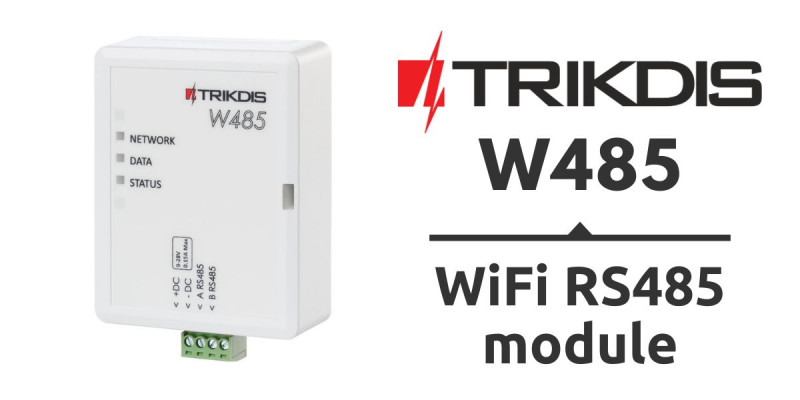
Product Launch – Trikdis W485 WiFi RS485 Module
- 30/01/2019
The W485 WiFi module provides a redundant communication channel alongside Trikdis GSM communicators via RS485 connection.
Read More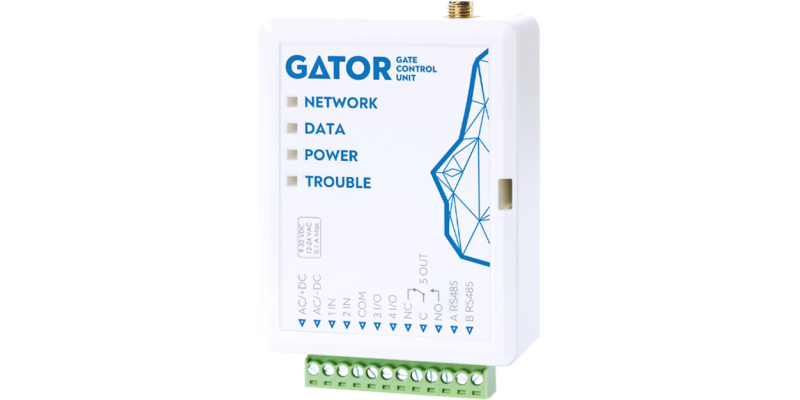
GV17 GATOR gate controller – installation and programming manual
- 06/11/2026
Installation and programming manual for the Trikdis GV17 GATOR gate controller: wiring, SIM and setup in TrikdisConfig, users and permissions, control by phone call, SMS and from the Protegus 2 app.
Read More
W485 WiFi and E485 Ethernet module – installation and setup manual
- 02/11/2026
Manual for the Trikdis W485 WiFi and E485 Ethernet modules: compatible devices, connection to the RS485 bus, setup in TrikdisConfig, reporting to the monitoring station and the Protegus 2 app over wired or WiFi internet.
Read More
CG17 alarm panel – installation and programming manual
- 30/10/2026
Installation and programming manual for the Trikdis CG17 cellular alarm panel: wiring and SIM, detectors, outputs, expanders, setup in TrikdisConfig, reporting to the monitoring station, Protegus 2, SMS commands and control by phone call.
Read More
G17F fire communicator – installation and programming manual
- 02/11/2026
Installation and programming manual for the Trikdis G17F cellular fire communicator (EN 54-21): wiring to the outputs or to the RS485 bus of the fire alarm control panel (ESPA 4.4.4, NSC Solution, INIM Smartline, C-TEC Cast ZFP), setup in TrikdisConfig, monitoring station, Protegus 2, control by SMS and phone call.
Read More