

FLEXi SP3 + Paradox RTX3 Wireless Expansion Module
FLEXi SP3 is compatible with the Paradox RTX3 wireless expansion module – easy hybrid system setup.
- 1 min read
- 21.04.2022
- Manufacturer: Trikdis

The great advantage of the FLEXi SP3 is that it can be installed as a traditional wired, hybrid and wireless system. Wireless zones have so far been able to be added using the RF-SH wireless module which is compatible with CROW wireless devices, but now the Paradox RTX3 Wireless Expansion Module and compatible Paradox sensors can be used for the same purpose.

To use Paradox RTX3 instead of TRIKDIS RF-SH, you need to upload the firmware from another folder.
- Enter FLEXi SP3 programming in the TrikdisConfig Programming Software .
- Go to the Firmware page.
- Click Open Firmware.
- Locate the TrikdisConfig > Firmwares > SP3 > RTX3 folder.
- Select the latest firmware according to your SP3 modem.
"1" in the firmware structure indicates RTX 3 compatible version: SP3_xxx 1 _xxxx.fw
- Press the Update [F12] button.
- After the flashing is done, click on the Wireless tab, "There is no RTX3 module registered in the system" indicates that the system is ready to pair with RTX3.
Both the devices and the RTX3 has to use the same frequencies to work. They can be 433Mhz or 868Mhz. Please check this before buying.
Short video tutorial: How to pair wireless devices in Protegus 2
Related Articles

Trikdis FLEXi SP3 – Smart Alarm Control Panel Introduction
- 10.08.2020
The Trikdis FLEXi SP3: smart alarm control panel with integrated communicator – versatile, fast and cost-effective.
Read More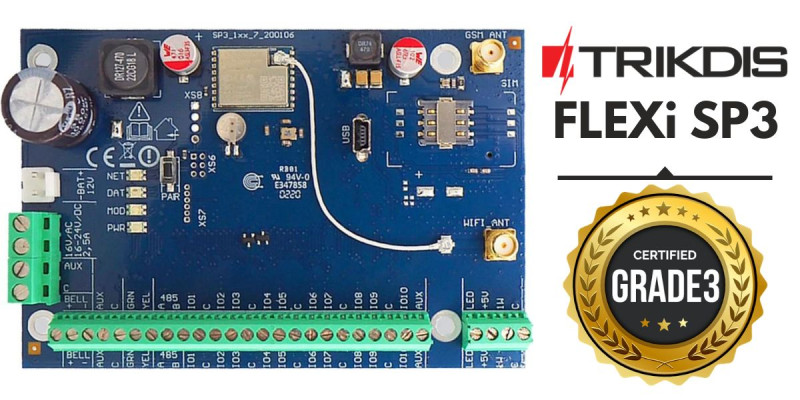
Trikdis FLEXi SP3 Achieves GRADE 3 Certification
- 28.02.2021
The Trikdis FLEXi SP3 holds GRADE 3 certification – suitable for professional security applications.
Read More
Serial Port Unlocking on Paradox Alarm Control Panels
- 25.01.2023
Guide to unlocking the serial port on PARADOX "+" series control panels for use with Trikdis communicators.
Read More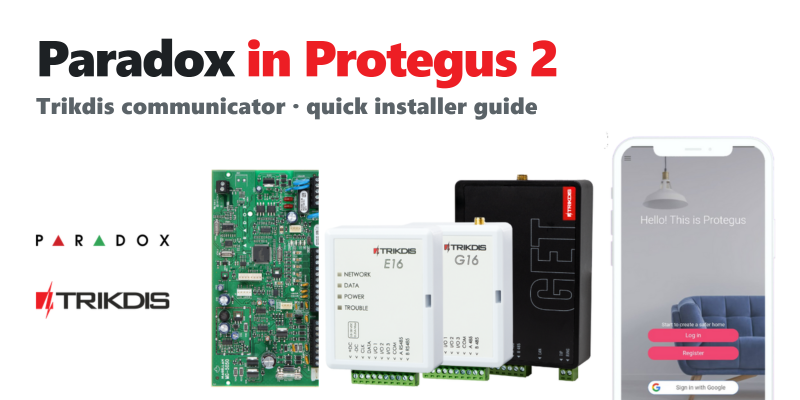
TRIKDIS Communicator + PARADOX Alarm Control Panel – Brief Installation Guide
- 26.02.2024
Brief installation guide for connecting a PARADOX alarm control panel with a TRIKDIS communicator and setting up the Protegus 2 application.
Read MoreRelated Products

Trikdis FLEXi LCD keypad
Touch-controlled keypad with blue LCD for FLEXi SP3 panels, managing up to 8 partitions.
€87.90 Ex Tax: €71.46
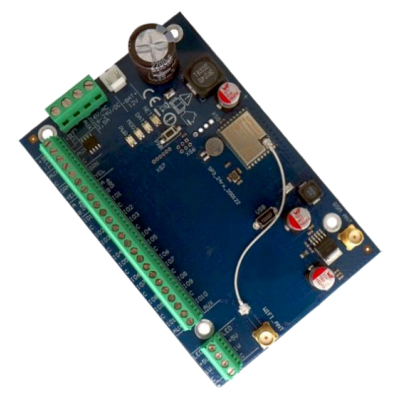
Trikdis FLEXi SP3 WiFi smart alarm system control panel
Versatile smart alarm panel with built-in WiFi communicator: the base of wired, hybrid or wireless s..
€139.90 Ex Tax: €113.74
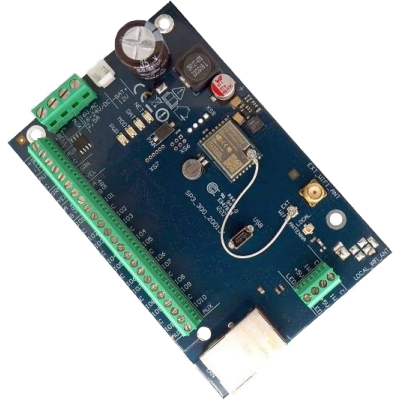
Trikdis FLEXi SP3 Ethernet smart alarm system control panel
Smart alarm panel with built-in Ethernet communicator: wired internet communication, remote access, ..
€139.90 Ex Tax: €113.74
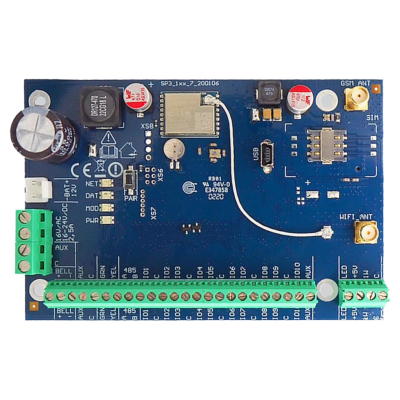
Trikdis FLEXi SP3 WiFi + 4G smart alarm system control panel
Smart alarm panel with WiFi + 4G communicator: dual communication path for maximum reliability.
€199.90 Ex Tax: €162.52

Trikdis FLEXi SP3 Ethernet + 4G smart alarm system control panel
Smart alarm panel with Ethernet + 4G communicator: wired internet and mobile backup in one.
€199.90 Ex Tax: €162.52
Trikdis FLEXi SP3 Ethernet + 2 SIM 4G smart alarm system control panel
Smart alarm panel with Ethernet + 4G communicator and 2 SIM slots — triple communication redundancy.
Price on request
