
New to Trikdis? A Quick Introduction to the Products
Quick overview of the Trikdis product family: communicators, alarm control panels, gate controllers and Protegus 2.
- 5 min read
- 28.08.2019
- Manufacturer: Trikdis
Trikdis has 28+ years of experience in asset protection, security technology, alarm systems, and alarm transmission. Its products are manufactured in the European Union, Lithuania, and offered by over 1000 distributor partners worldwide.
Specialized and Universal Communicators
Specialized Communicators
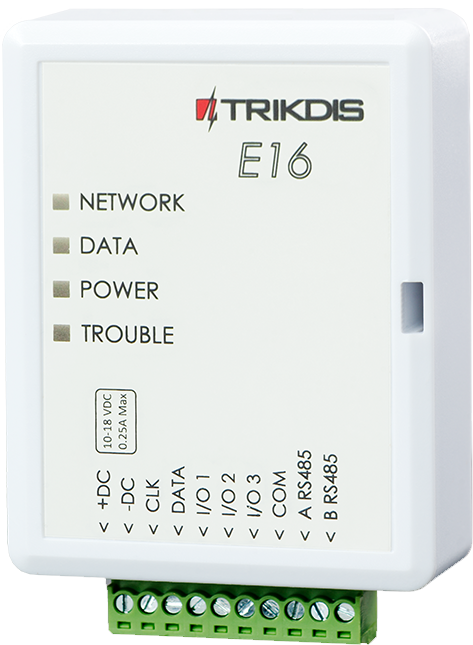
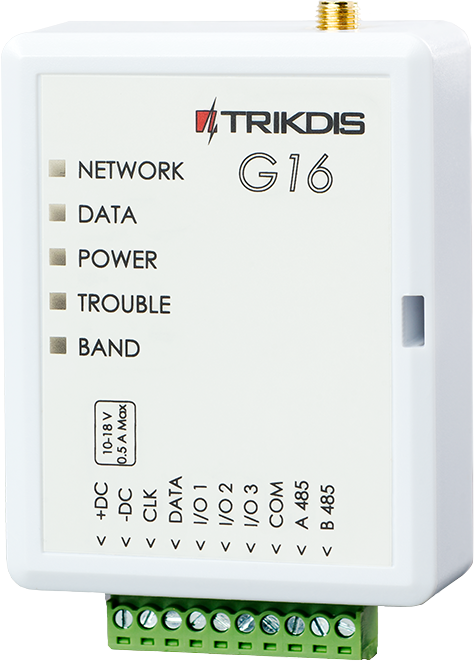
One of Trikdis' most popular product lines consists of specialized communicators: the GSM-network G16 and Ethernet E16 models. The advantage of specialized communicators is that they use a data bus or serial port instead of TIP–RING, enabling more functions and faster communication. Installation is easier and quicker, often without needing to access the alarm control panel.
Universal Communicators
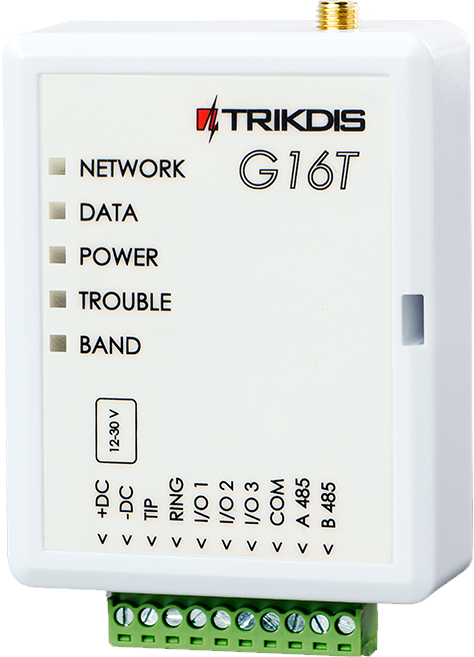
Universal communicators connect to the control panel via a traditional telephone line but can still be registered in the Protegus 2 app, providing a consistent interface for users. The GSM-network G16T and Ethernet E16T versions offer the same features, with the "T" indicating TIP–RING compatibility.

Trikdis Black Line – a new level of reliability
In 2024, the GET was released, followed by the GT and GT+. These black-cased devices combine the benefits of specialized and universal models, all are 4G/LTE compatible, and the GET also supports Ethernet communication.


Alarm control panels connectable via data bus or serial port
Die Trikdis E16, G16, GT, GT+, GET are compatible with all the alarm control panels listed below . The main advantage of these specialized Trikdis communicators is that events are transmitted via the data bus or serial port.

Magellan MG5000, MG5050, MG5050+*
DIGIPLEX EVO48, NE96, EVO96, EVO192*, EVOHD* (*Fw. above 7.50)
For direct control, the firmware of PARADOX panels must be at least version V.4.
* Die serial port on the new marked alarm panels is locked at the factory. The port must be enabled before communication with an external device is possible.



Premier Elite 12, 24, 48, 64, 88, 168

Magellan MG5050E
ESPRIT E55, 728ULT, 738ULT



Do Trikdis special communicators support the DSC Power Series NEO product family?
NO! Use the universal communicators E16T, G16T, GT, GT+, GET with telephone line (TIP RING) connection!
Read the details: DSC Power Series NEO and Trikdis Communicators: Compatibility and Solutions
Alarm Control Panels with integrated communicators
FLEXi SP3 – modern and flexible smart alarm control panel with integrated WiFi + Ethernet / 2G / 4G GSM / IP communicator
Even an older control panel can be modernized with a TRIKDIS communicator and the Protegus 2 app, but the FLEXi SP3 combines the advantages of Trikdis communicators and modules, creating a versatile, flexible alarm control panel.
The system is widely applicable for intrusion detection and automation. It allows remote control of the alarm system and various home devices – such as garage doors, gates, heating, cooling, irrigation, lighting, or ventilation – thanks to the integrated Wi-Fi + Ethernet or 2G/4G communicator.


Devices for automating gates, garage doors, or other equipment
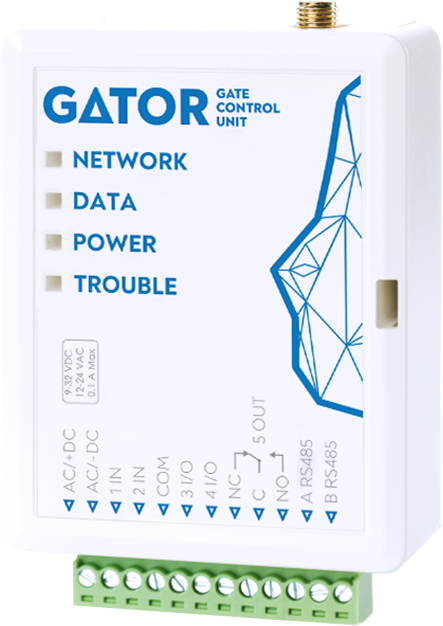
Trikdis gate openers and controllers are available under the GATOR brand, in Wi-Fi (WP17) and mobile network (GV17) versions. SIM-card models also support call-based control and can be managed via an app or browser for monitoring and operation.

Free Application
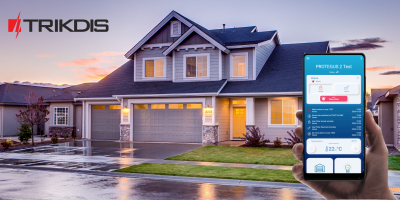
Trikdis devices with internet connectivity are accessible via the Protegus 2 service, Trikdis' own free application.
Protegus can be downloaded for Android (Play Store), iOS (App Store), and accessed via browser on any device.




Tags:
Images
Related Articles
Introducing the Trikdis manufacturer
- 27.07.2018
TRIKDIS has been developing reliable alarm communicators since 1996. Their products are used in over 50 countries alongside the Protegus smart app.
Read More
2G Network Shutdown in Europe – What You Need to Know
- 30.11.2024
10 reasons why Trikdis stands out: compatibility, data bus connection, fast installation, free Protegus app.
Read More
Trikdis FLEXi SP3 – Smart Alarm Control Panel Introduction
- 10.08.2020
The Trikdis FLEXi SP3: smart alarm control panel with integrated communicator – versatile, fast and cost-effective.
Read More
Comparison Table of TRIKDIS Communicators for Alarm Systems
- 01.04.2025
Overview of TRIKDIS alarm communicators by connection type and communication method. Find the right model for your alarm system.
Read MoreRelated Products
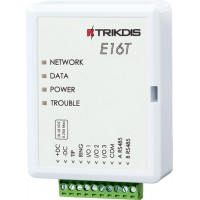
Trikdis E16T Ethernet universal communicator - IP module
Ethernet communicator with TIP-RING connection: works with any landline-type alarm panel, with monitoring station reporting and Protegus 2 app alerts.
€86.90 Ex Tax: €70.65
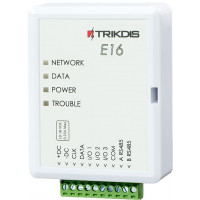
Trikdis E16 Ethernet Communicator - IP module
Ethernet smart communicator: forwards alarm events over the internet to the monitoring station, with remote arming from the mobile app. Direct Paradox/DSC bus connection.
€82.90 Ex Tax: €67.40
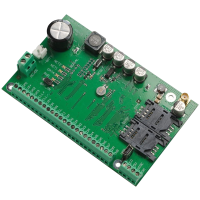
Trikdis SP231 GSM / IP smart control panel
GSM/IP smart alarm panel with built-in communicator: full remote control from the Protegus 2 app, including devices around the house.
Discontinued
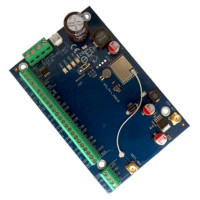
Trikdis FLEXi SP3 WiFi smart alarm system control panel
Versatile smart alarm panel with built-in WiFi communicator: the base of wired, hybrid or wireless systems, with a free app.
€139.90 Ex Tax: €113.74
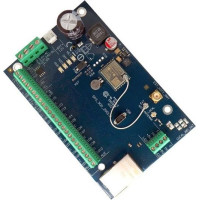
Trikdis FLEXi SP3 Ethernet smart alarm system control panel
Smart alarm panel with built-in Ethernet communicator: wired internet communication, remote access, free app.
€139.90 Ex Tax: €113.74
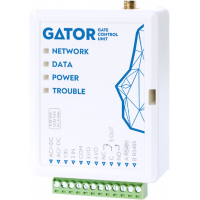
Trikdis GV17 - GATOR smart 4G GSM / IP gate controller
GATOR 4G smart gate controller: open gates, garage doors or barriers from the app, with caller-list control.
€164.90 Ex Tax: €134.07