
One application for all Trikdis devices


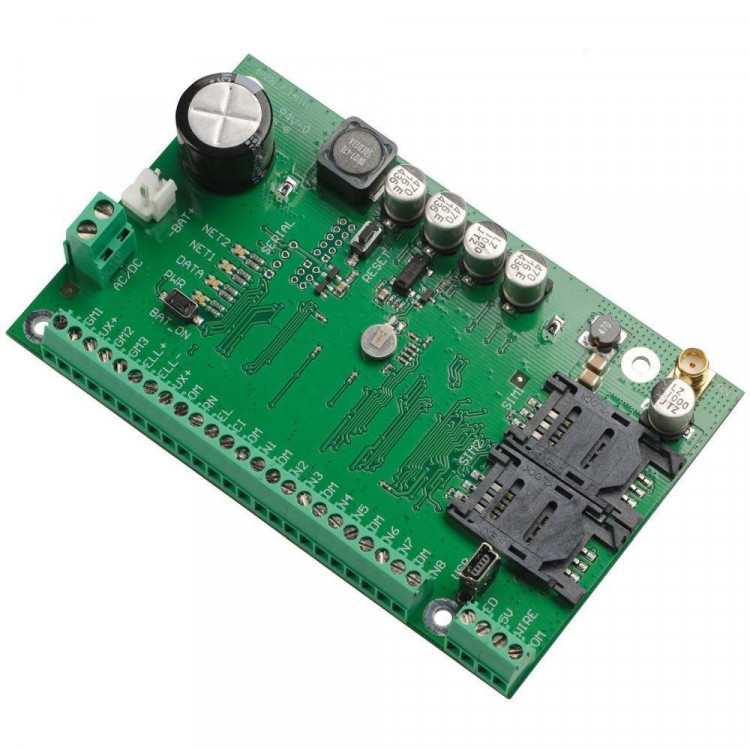


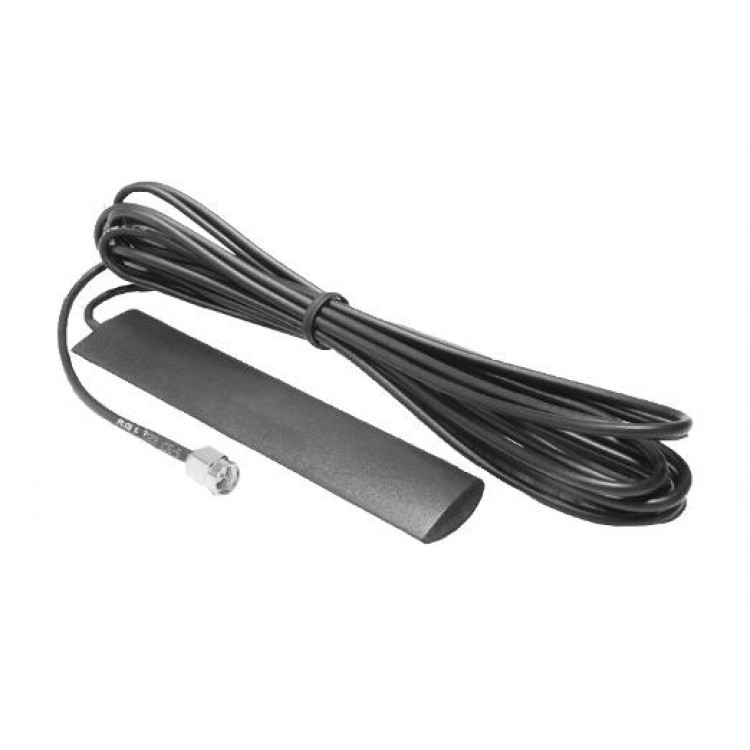
Trikdis SP231 GSM / IP smart control panel
- Brand: Trikdis
- Product Code: SP231
- Availability: Discontinued
- Warranty: 2 years
- Categories: Discontinued Products

SP231 – Setting up SMS and call notifications for users
In this video you will learn how to configure the SP231 to send notifications to users via phone call or SMS message.
The SP231 smart alarm control panel provides full remote control of the alarm system and home devices — such as garage doors, garden gates, heating, cooling, irrigation, lighting, ventilation and more — thanks to its integrated GSM / IP communicator, which communicates simultaneously with the monitoring station and the owner via the Protegus 2 Mobile and Web application. The system's 8 wired zone inputs and 5 outputs can be expanded with modules, divided into 8 partitions, and connected to numerous remotely monitorable sensors. The uniquely designed panel offers a wide range of useful functions for the user, monitoring station and installer.
Key features:
Communication
Supported keypad types
Inputs
Outputs
Programming
Users
Technical specifications
Included accessories
Related Products
Related Articles
Protegus Android / Iphone and web app
- 27/01/2018
The free Protegus mobile and web app lets you remotely manage your alarm system – compatible with any manufacturer.
Read More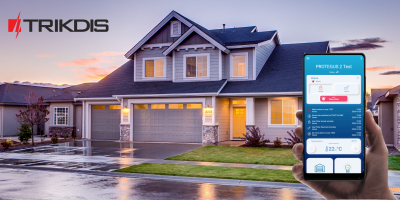
Introducing the Trikdis manufacturer
- 27/07/2018
TRIKDIS has been developing reliable alarm communicators since 1996. Their products are used in over 50 countries alongside the Protegus smart app.
Read More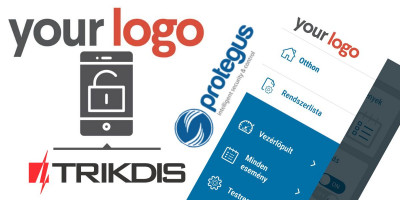
Installer Registration and Company Logo Setup in the Protegus Ap
- 06/03/2019
Step-by-step guide to Protegus installer registration and company logo setup – completed in 5–10 minutes.
Read More
New to Trikdis? A Quick Introduction to the Products
- 28/08/2019
Quick overview of the Trikdis product family: communicators, alarm control panels, gate controllers and Protegus 2.
Read More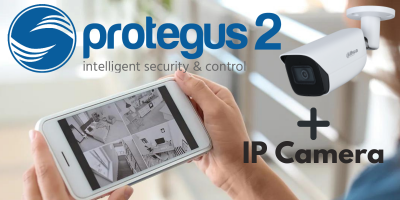
How to Add an IP Camera to Protegus 2
- 01/03/2022
How to add an IP camera live stream to the Protegus 2 app via RTSP link.
Read More
Protegus 2 Browser Interface Renewed
- 30/11/2023
The renewed Protegus 2 browser interface and the new layout explained.
Read More
Try Protegus 2 on a Live System
- 20/02/2024
Try the Protegus 2 app on a real live system with test credentials.
Read MoreTags:
Frequently asked questions
Protegus 2 is the 2nd generation of Trikdis's cloud app: control your alarm system from your phone and get instant notifications. We recommend it for every current internet-connected Trikdis device. The user app is free; the paid, usage- (customer-) based tier is for monitoring stations, installers and companies.
Yes, using the TrikdisConfig programming software (via USB or remotely). The latest firmware is recommended for the best compatibility and security.
Yes: Protegus 2 can be tried on a live demo system, without installation or purchase — from a browser and from the mobile app too. This lets you see in advance what arming, notifications, and system status look like on a working alarm system.
Protegus 2 typically retains the event list for up to two months; with a large volume of events, this period may shorten to as little as one month.
The AUX power output of the Paradox SP4000 alarm panel has limited load capacity. In certain cases — whether using a dedicated or a universal TRIKDIS communicator — the communicator's current draw can place too much load on the AUX output. As a result, the communicator may become unstable, restart, or fail to operate correctly.
Experience shows that the problem is usually solved by powering the TRIKDIS communicator directly from the alarm panel's battery terminals (+/-) instead of from the AUX output. This provides a stable power supply and eliminates the restart or operational issues.
Note: Before changing the wiring, always check that the system complies with the manufacturer's specifications and that the total load on the power supply does not exceed the permitted value.